
UTM Tagging Best Practices: One Registry, Fewer "Not Set" Reports
Build a shared UTM naming registry, apply consistent source, medium, and campaign tags, test every link, and roll out governance that keeps reports usable.
UTM Tagging Best Practices: One Registry, Fewer "Not Set" Reports ! Colleagues review a shared UTM registry For reliable campaign reporting, use utm_source, utm_medium and utm_campaign with a documented lowercase naming convention, test every tagged link, and avoid putting PII in UTM parameters.


TL;DR: Quick Answer
Build a shared UTM naming registry, apply consistent source, medium, and campaign tags, test every link, and roll out governance that keeps reports usable.
Key takeaways
- Very cheap quotes (under R5,000) almost always exclude copywriting, SEO, custom design and post-launch support
- On-page SEO built into the website at launch costs a fraction of what it costs to retrofit after the site is live
- Hosting, SSL, domain and maintenance add R3,000-R10,000 per year on top of build cost
- E-commerce adds significant cost due to payment gateway integrations, product data, security requirements and checkout UX
- Timeline and client responsiveness directly affect cost: slow feedback rounds extend agency hours

For reliable campaign reporting, use utm_source, utm_medium and utm_campaign with a documented lowercase naming convention, test every tagged link, and avoid putting PII in UTM parameters. Add utm_content or utm_term only when they answer a real question. Keep one shared registry so every team spells values the same way, and never tag links that stay inside your own site.
TL;DR:
- Use utm_content to distinguish placements or creatives within one campaign, and reserve utm_term for manually tagged paid search keywords or audience themes.
- For Google Ads, prefer auto-tagging with GCLID; use manual UTMs for email, organic social, partners, and platforms that lack auto-tagging.
- Analytics treats case and spelling variants as separate values, so keep one approved lowercase spelling per platform and map older variants in reporting.
- Structure campaign names around objective, offer, and period, and match them as closely as possible to ad platform names so spend and sessions reconcile.
What each UTM parameter is and when to use it
UTM parameters are short tags added to the end of a URL. When someone clicks, your analytics tool reads the tags and uses them to fill its campaign reports. As Wikipedia's overview describes, the five standard parameters identify the campaign that referred traffic to your website. In GA4, the values show up as source, medium and campaign dimensions, which is why our GA4 guide is a useful companion when you start reading the reports.
Here is what each parameter does:
- utm_source: the specific place the click came from, such as
newsletter,facebookorgoogle. - utm_medium: the type of channel, such as
email,cpc,socialoraffiliate. - utm_campaign: the name of the promotion or initiative, such as
spring-sale-2026. - utm_term: the keyword or audience you targeted, mostly relevant to manual paid search tagging.
- utm_content: the detail that separates two links in the same campaign, such as
header-buttonversusfooter-link, orvideo-aversusvideo-b.
A complete link looks like this:
https://example.com/offer?utm_source=newsletter&utm_medium=email&utm_campaign=spring-sale-2026&utm_content=header-button
Everything after the question mark is the tagging. The landing page itself is unchanged, so visitors see the same page whether the tags are there or not.
Do you need all five on every link? No. Trackingplan's guidance makes the point that you should include only the parameters that serve a clear analytical purpose, because extra parameters add complexity without adding insight. Shopify's guide agrees that most campaigns need three to four parameters: source, medium and campaign, plus content or term when needed.
The practical rule is simple. Source, medium and campaign are your baseline on every tagged link. Add utm_content when you run more than one link or creative in the same campaign and want to know which one earned the click. Add utm_term when you are tagging paid search manually and want keywords to appear in your reports. If you cannot name the report that will use a parameter, leave it off.
One more reason to keep the baseline complete: when manual tagging is incomplete, reports can fill up with "(not set)" values. Google's documentation on manual tagging and auto-tagging says consistent source, medium and campaign values are what prevent that. Missing tags do not just lose one click, they leave gaps in the channel report you rely on for budget decisions.
Naming conventions that stop your data fragmenting
Analytics tools treat values as exact text. Facebook, facebook and fb become three separate rows in your report, and your paid social results end up scattered across all of them. Google's guidance on URL builders calls for lowercase naming consistency and a standardised UTM strategy across teams for exactly this reason. A convention is the cure, and it only works if it is written down.
The rules to adopt
- Lowercase only. Every value, every time. No exceptions for "brand names" or "proper nouns".
- One separator. Pick a hyphen or an underscore and stick with it. We use hyphens inside values (
spring-sale) and keep underscores only in the parameter names themselves. - No spaces. Spaces turn into
%20and make values hard to read and match. - No special characters. Skip ampersands, plus signs, accents, brackets and slashes. They can break the URL or get encoded inconsistently.
- One value per platform. Decide that Facebook traffic is always
facebook, neverfb,Facebookormeta-facebook. - Short and readable. Someone who did not build the link should understand the value in a report.
Standard source and medium values
The strongest fix for fragmentation is a fixed list of allowed source and medium values. Here is a starter registry you can copy:
| Channel | utm_source | utm_medium |
|---|---|---|
| Email newsletter | newsletter | |
| Facebook and Instagram ads | facebook, instagram | paid-social |
| TikTok ads | tiktok | paid-social |
| LinkedIn organic posts | organic-social | |
| Google Ads (manual) | cpc | |
| Affiliate partner | partner-name | affiliate |
| SMS send | sms-provider | sms |
If a new platform appears, someone adds one row to the registry before any link goes live. Nobody improvises in the URL.
A campaign name pattern
Campaign names do the heavy lifting in reports, so give them a predictable structure. We recommend this pattern:
objective-offer
For example: leadgen-spring-sale-2026q1, awareness-brand-video-2026q2 or retention-winback-2026q3. Anyone scanning a report can tell what the campaign was for, what it promoted and when it ran. Where an ad platform has its own campaign names, match them as closely as possible so you can reconcile platform spend with analytics sessions without a lookup table.
Using utm_content and utm_term well
Treat utm_content as the "which link" field. Describe position or creative, not the whole campaign again: hero-button, text-link-footer, video-creative, carousel-card. Keep a short list of allowed content values per channel so you do not end up with hero-btn, hero-button and heroButton.
Treat utm_term as the "which keyword or audience" field. For manual paid search, use the keyword or ad group theme in the same lowercase pattern. If you rely on auto-tagging for Google Ads, you usually do not need it at all.
Pro Tip: Keep the registry as a spreadsheet with one tab per parameter and a "status" column. A value is either "approved" or "retired", and nobody deletes rows, because old values still appear in historic reports.
Channel-specific tagging rules and examples
The same naming rules apply everywhere, but each channel has its own habits and traps. Here is how to apply the convention without overthinking it.
- Set utm_medium to
emailon every link in every send, and use the newsletter or flow name as utm_source. - Use utm_content to record where the link sat, such as
header-cta,body-linkorfooter-unsubscribe-adjacent. That tells you which placement earns clicks. - Do not tag links that point from one page of your site to another. We cover why in the mistakes section, but the short version is that internal tagging can overwrite the original source of a visit.
- If you send from a platform that supports dynamic values, let it insert the campaign name automatically rather than typing it per email. If you want a deeper plan for sends, see our notes on email campaigns.
Paid social
- Use a platform-specific source (
facebook,instagram,tiktok,linkedin) and a single shared medium such aspaid-social. - Match utm_campaign to the campaign name inside the ad platform, so spend and sessions line up when you compare them.
- Use utm_content for the ad or creative:
video-testimonial-a,static-offer-b. This is where creative testing becomes visible in analytics. Our explainer on social media advertising covers how those campaigns are structured. - Use the platform's dynamic parameters where available so the ad name or ID is inserted for you.
Paid search
- For Google Ads, prefer auto-tagging. Google's documentation explains that auto-tagging, which uses the GCLID, passes platform-specific dimensions into Analytics without you typing anything.
- If you tag manually, keep utm_campaign and utm_term aligned with your campaign and ad group naming so reports reconcile with the ad account.
- Never run auto-tagging and a different manual naming scheme for the same campaigns without deciding which one wins. Mixed signals create reports nobody trusts. Our overview of Google Ads explains how the account structure feeds those names.
Organic social and user-generated content
- Tag links you place on purpose, such as a link in a bio, a pinned post or a scheduled promotional post. Use
organic-socialas the medium. - Do not worry about tagging links other people share. Mentions and reposts by customers usually arrive without campaign tags, and that is fine. Trying to control them is not realistic.
- Keep one bio link per platform tagged, and change the campaign value only when the promotion changes.
Affiliates and partners
- Include a partner identifier in utm_source, such as the partner's short name, and use
affiliateorpartneras the medium. - Record every partner value in the registry, with the contact who owns that relationship. When a partner changes how they link to you, you want to know whose job it is to fix it.
- Give each partner their own links instead of letting them build their own. That is the cheapest way to prevent the spelling variations that wreck partner reporting.
For newer referral sources such as AI assistants, which often arrive without clean campaign tags, this GA4 walkthrough on tracking LLM traffic shows how to spot them in your reports. It is a useful reminder that tagging covers links you control, and segmentation covers the rest.
Automation, URL builders and auto-tagging workflows
Typing UTM values by hand is where most errors begin. A missed capital letter or an extra space creates a new row in your reports that nobody notices for months. The fix is to take typing out of the process wherever you can.
Tools worth using
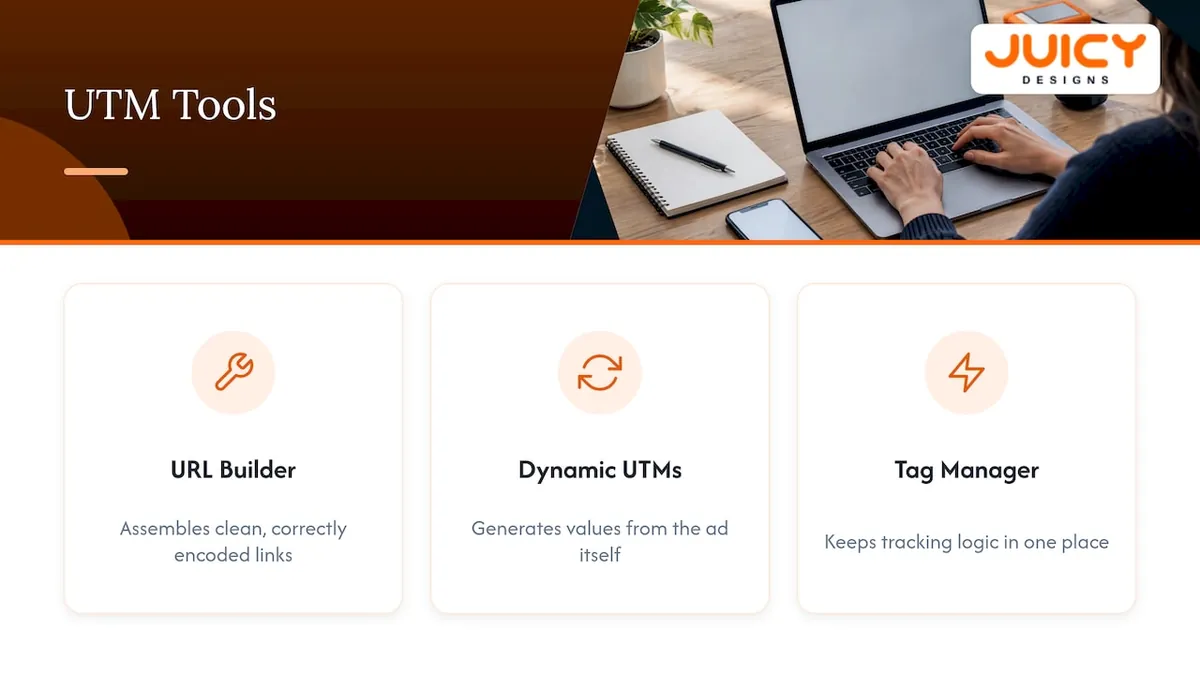
Google's Campaign URL Builder is the simplest starting point. You fill in the fields and it assembles a clean, correctly encoded link. It will not enforce your naming convention for you, so pair it with the registry: values come from the approved list, not from memory.
Platforms that support dynamic parameters let you insert values automatically, for example the campaign name or ad name at the moment the ad is served. Google's own best practice for URL builders recommends dynamic UTMs wherever a platform supports them, because the value is generated from the same source as the ad itself and cannot drift. If you manage tags through a container, our explanation of Google Tag Manager covers how to keep that tracking logic in one place.
When to use auto-tagging
Auto-tagging adds a click identifier, the GCLID for Google Ads, to every ad click. Analytics reads it and brings in campaign, ad group and keyword detail directly from the ad account. For Google Ads, that is almost always the better default, because it needs no maintenance and cannot be mistyped.
Manual UTMs still have a place. Use them for channels that auto-tagging does not cover, such as email, organic social, partners and non-Google ad platforms. Google's help page on getting more useful data out of Analytics recommends UTM parameters for campaigns that are not auto-tagged by an integration. The result is a clean split: auto-tagging for Google Ads, UTMs for everything else.
A repeatable workflow
- Set the template. Write the pattern for each channel in your registry: allowed source, medium, campaign structure and content values.
- Generate the link. Use dynamic macros inside the ad platform, or the URL builder with values taken from the registry.
- Run the QA test. Click the finished link, confirm the landing page loads, and check the values arrive in real-time reports before the campaign launches.
- Log it. Record the campaign name, owner and launch date in the registry so the value is traceable later.
Pro Tip: Create a locked "link builder" spreadsheet with dropdown lists for source and medium, and a formula that lowercases the campaign name and swaps spaces for hyphens. People cannot type a wrong value if the cell will not accept it.
Common UTM tagging mistakes and how to fix them
Most broken UTM data comes from a handful of repeat offenders. The good news is that each one has a clear detection method and a clear fix.
- Case and spelling drift. You see
Email,emailande-mailas separate mediums. To detect it, open your source and medium report and sort alphabetically; near-duplicates sit next to each other. Fix it going forward with the registry, and for history, map each old variation to its canonical value in your reporting layer so past and future data roll up together. - Tagging internal links. If a banner on your homepage carries UTMs, a click on it can start a new session and replace the original source, which makes social or search traffic look like it came from your own banner. Google's guidance on URL builders says to avoid tagging internal links. To find offenders, search your site for links containing
utm_that point to your own domain, then strip the tags and track on-site clicks with events instead. - PII in parameters. Email addresses or names in a URL are a privacy and compliance problem. Google's documentation on avoiding PII is explicit that such data must not be sent in URL parameters, and it describes redaction options. South African readers should also keep POPIA in mind, since personal information leaking into analytics is a compliance issue, not just a tidy-up task. Scan your links and landing page URLs for
@signs and name-like values, and keep UTMs strictly to campaign metadata. - Double-tagging. Auto-tagging and manual UTMs on the same Google Ads link can send conflicting information. Decide on one method per channel and remove the other.
- Malformed URLs. A second question mark, a missing ampersand or a stray space can cut parameters off. Click the link and read the address bar after the page loads; if parameters have vanished, the structure is broken.
- Governance gaps. If nobody owns the registry, every team invents its own values. Name an owner, publish the rules, and review new campaign names before launch.
For a wider look at tracing the origin of enquiries once your tagging is clean, our post on how to track where your leads come from walks through the next step, and our campaign tracking overview ties the pieces together.
Source check: According to Shopify's guide, consistent naming conventions and testing before launch are what keep campaign data clean and actionable.
If you only fix one thing this week, fix the internal links. They quietly overwrite the data you are trying to protect.
Testing, rollout and governance: a compact implementation plan
A naming convention that lives in someone's head is not a convention. This plan turns the rules into something a team can follow and an auditor can check.
Rolling it out
- Appoint one owner. One person is accountable for the registry, even if many people use it. Without a single owner, rules decay within weeks.
- Build the registry. A spreadsheet is enough. Include tabs for source and medium values, campaign naming rules, content values, partner identifiers and a log of live campaigns.
- Publish the rules. Put a one-page version where everyone who builds links can find it, ideally pinned inside the team's chat tool or shared drive.
- Provide a template. Give marketers a link builder with locked dropdowns so the right way is also the easiest way.
- Test before every launch. Use the checklist below, with no exceptions for "small" campaigns.
- Audit monthly. Review the source, medium and campaign reports for values that are not in the registry, then correct them at the source.
The QA checklist
- Click the live link in a fresh browser window and confirm the landing page loads without errors.
- Check the real-time report in your analytics tool and confirm the session appears with the expected source, medium and campaign.
- Confirm values are lowercase, hyphenated and match the registry.
- Make sure no PII, such as an email address or name, appears anywhere in the URL.
- Verify the link is not an internal link, and that no auto-tagging conflict exists on Google Ads links.
- Record the link in the campaign log with its owner and launch date.
Cleaning up what already exists
You do not have to start from zero. List every distinct source, medium and campaign value you need to clean up, decide the canonical version of each, and create a mapping table from old to new. Apply that mapping in your reporting layer so charts roll up correctly, and use the canonical value on every new link. Where a report is critical, such as a quarterly review, use the mapping before the data reaches stakeholders. Our Google Analytics overview explains where those reports live.
Pro Tip: Schedule the monthly audit as a recurring calendar event with a fixed time slot. Audits that depend on someone remembering to do them get skipped within a quarter.
How we run UTM governance for clients
In our experience, tagging problems are rarely technical. They are ownership problems. A team has a perfectly good URL builder and still ends up with inconsistent spellings of "email", because nobody was told which spelling was right.
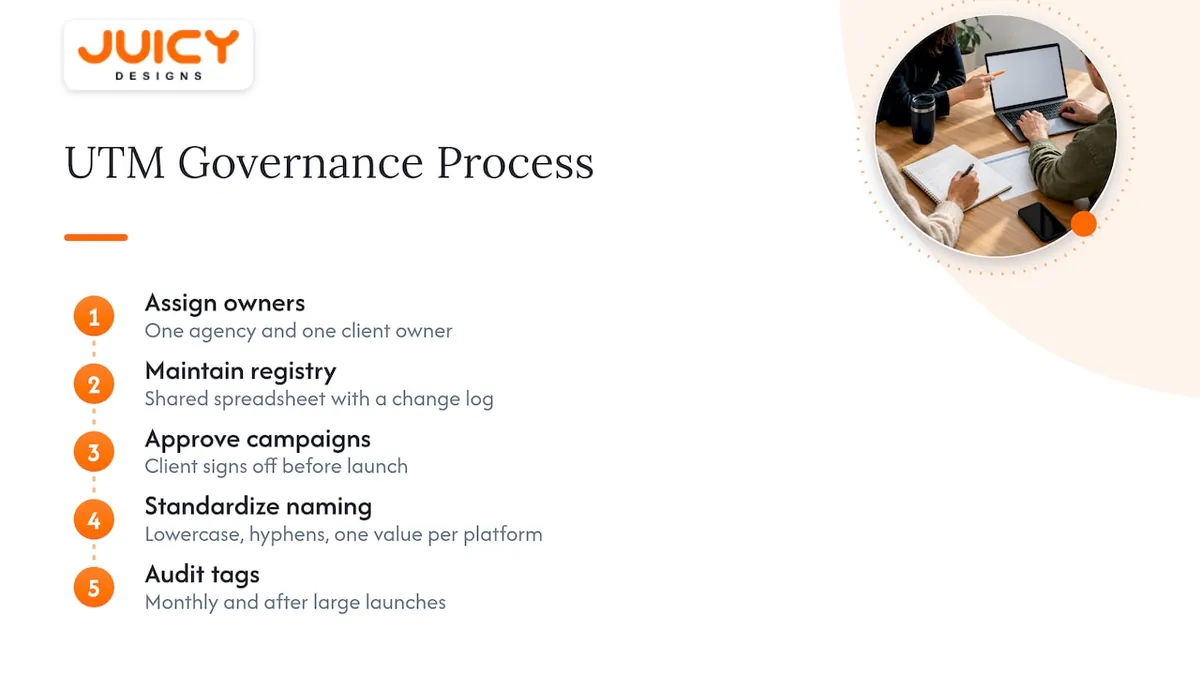
So we start with people, then patterns. Every account gets one named owner on our side and one on the client side. Our owner keeps the registry, and the client owner signs off new campaign names before anything goes live. The registry lives in a shared spreadsheet that both sides can open, with a change log so nobody wonders who added a value or why.
The patterns are deliberately boring. Lowercase, hyphens, one value per platform, and a campaign name that reads as objective, offer and period. We match campaign names to the ad platform wherever we can, so spend and sessions can be compared without translation.
The effect shows up quickly in reporting. Paid social traffic can become scattered across several differently spelt source values. Standardising the values and mapping the old ones to the new can bring those rows into a single clear line, making it easier to discuss where to put the next rand. We do not claim that cleaner tagging performs the campaigns for you. It simply removes the argument about the data.
Our audit rhythm is monthly, with a quick check after every large launch. A tidy registry is a habit, not a project.
, Cobus
Get your tagging audited or built by people who do this daily
If you would rather not build and police a registry yourself, we can do the heavy lifting. We audit your current tagging, find the fragmented values and internal-link problems, and build a naming registry with templates your team can use from day one.
A typical engagement gives you the audit findings, the registry, link-builder templates, a QA checklist and a clear owner map. The outcome is reporting you can trust, which makes return on ad spend far easier to read. Many clients start with a Google Ads audit or an SEO audit, and our pricing is public, so you know the cost before you ask. For example, a once-off SEO audit starts from R8,000.
Ready to start? Contact us and we will scope an audit or an implementation package.
FAQ
Which UTM parameters are required for every link?
Use utm_source, utm_medium and utm_campaign on every tagged link. Google's guidance on URL builders recommends always including these three. Add utm_content or utm_term only when you need to separate links or keywords.
Should I use lowercase or mixed case in UTM values?
Use lowercase everywhere. Analytics tools treat Email and email as different values, so mixed case splits your data across several rows. A written naming convention and a locked link builder keep everyone consistent.
Can I put customer emails or names in UTM parameters?
No. Google's documentation on avoiding PII says personal information such as email addresses must not be sent in URL parameters. Keep UTMs to campaign metadata only, which also supports your POPIA obligations.
Should I use auto-tagging or manual UTMs for Google Ads?
Use auto-tagging for Google Ads in most cases, because it passes ad platform detail into Analytics without any typing. Keep manual UTMs for channels that are not auto-tagged, such as email, partners and organic social.
Should I tag links inside my own website?
No. Tagging internal links can start a new session and overwrite the original source of the visit. Use on-site event tracking to measure internal clicks instead.
Sources
- Traffic-source dimensions, manual tagging, and auto-tagging - Analytics Help
- UTM Parameters: How to Use Them (2026) - Shopify South Africa
Recommended
- What Is a Canonical Tag? (rel=canonical)
- Google Tag Manager: How It Works and Why You Need It
- Title Tag: SEO Best Practices Explained